
1. 介紹
1.1 將 WebP 轉換為的重要性 PDF 工具
With the increasing usage of the web for various purposes such as art, marketing, and communication, there is a growing need for efficient tools to convert web pictures to universally accepted digital formats. This is largely because WebP is an image format that offers lossless and lossy compression for images on the web, used to further optimize web viewing. WebP lossless images are 26% smaller in size compared to PNGs, making them a great option for faster web browsing. However, compared to PDF, WebP is not as universally supported and is harder to edit.
將 WebP 轉換為 PDF 工具為這個問題提供了有效的解決方案。該工具允許將 WebP 格式的網頁圖像轉換為普遍接受和廣泛使用的格式 PDF 格式。這創建了一個更方便的平台來查看、分享和修改這些網路圖像。隨著 PDF format, one can also include several images in a single document, and add textual descriptions or commentaries to the images.
1.2 PDF 文檔恢復工具
一個好的 PDF文件恢復 工具對大家來說也很重要 PDF 用戶。 DataNumen PDF Repair 真是太好了:
1.3 本次比較的目的
此比較分析的目的是為潛在用戶提供一些最受好評的將 WebP 圖像轉換為 PDF 格式。本指南將評估這些工具的功能、優缺點,為使用者提供足夠的資訊以做出明智的選擇。我們的目標是提供公平、全面和準確的比較指南,重點關注這些工具的可用性、品質和一致性。
2。 對 PDF WebP 至 PDF 下載器/轉檔器
至 PDF WebP 至 PDF Converter是一款專門用於影像格式轉換的線上軟體工具。該工具主要處理將WebP圖像格式檔案轉換為更通用的格式 PDF 格式。轉換過程簡單直接,使其成為一個用戶友好的工具。
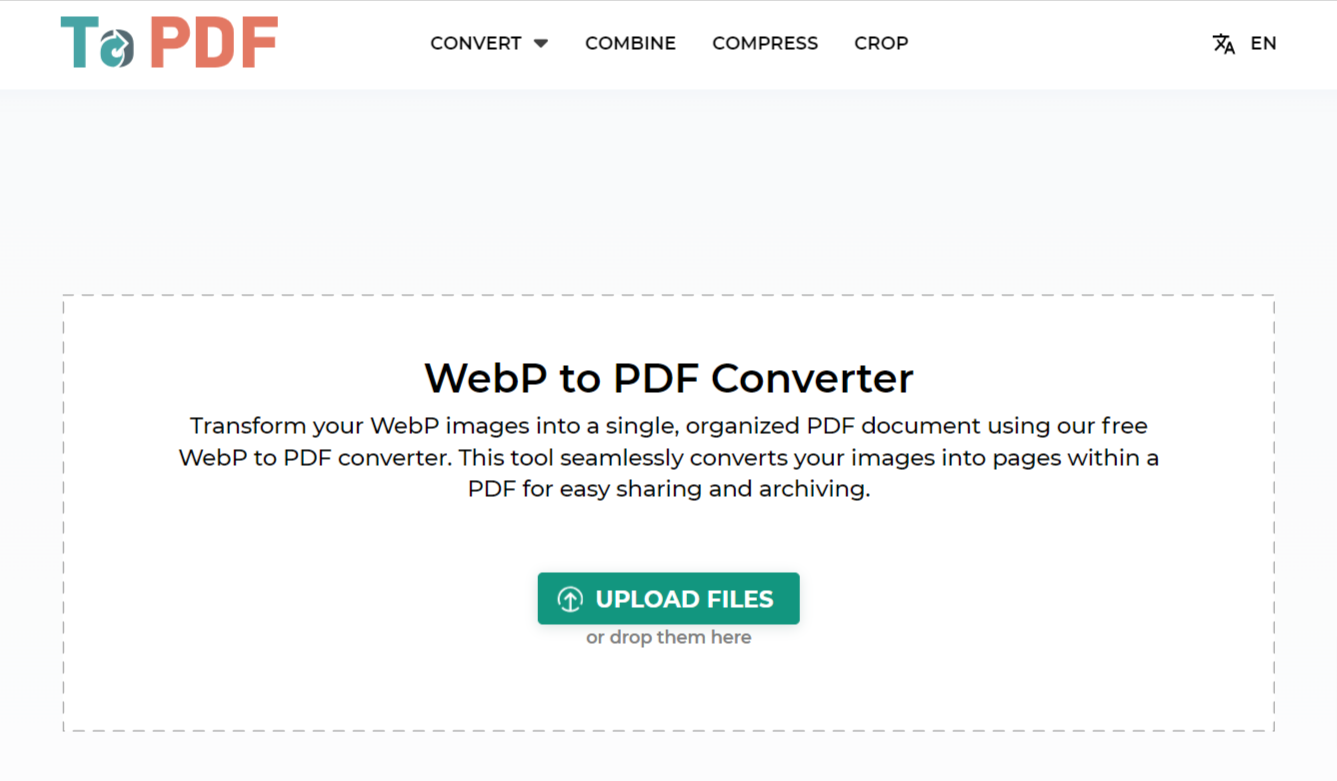
2.1個優點
- 易於使用: 至 PDF WebP 至 PDF 轉換器設計有一個簡單的介面,使轉換過程變得簡單,不需要技術專業知識即可使用它。
- 快速轉換: 它提供迅速的轉換速度,非常適合擁有大量文件或需要快速轉換的用戶。
- 無需安裝: 作為線上服務,無需下載或安裝到裝置上,從而節省儲存空間。
2.2個缺點
- 取決於網路連線: 由於它是基於網路的應用程序,因此它在很大程度上依賴於互聯網連接品質。因此,轉換器可能無法在網路條件較弱或不穩定的情況下以最佳方式運作。
- 有限的客製化選項: 至 PDF WebP 至 PDF Converter 在轉換過程中缺乏編輯和自訂的進階選項。
- 隱私問題: 文件需要上傳到平台進行轉換,這可能會引發敏感文件的隱私問題。
3. 轉換器
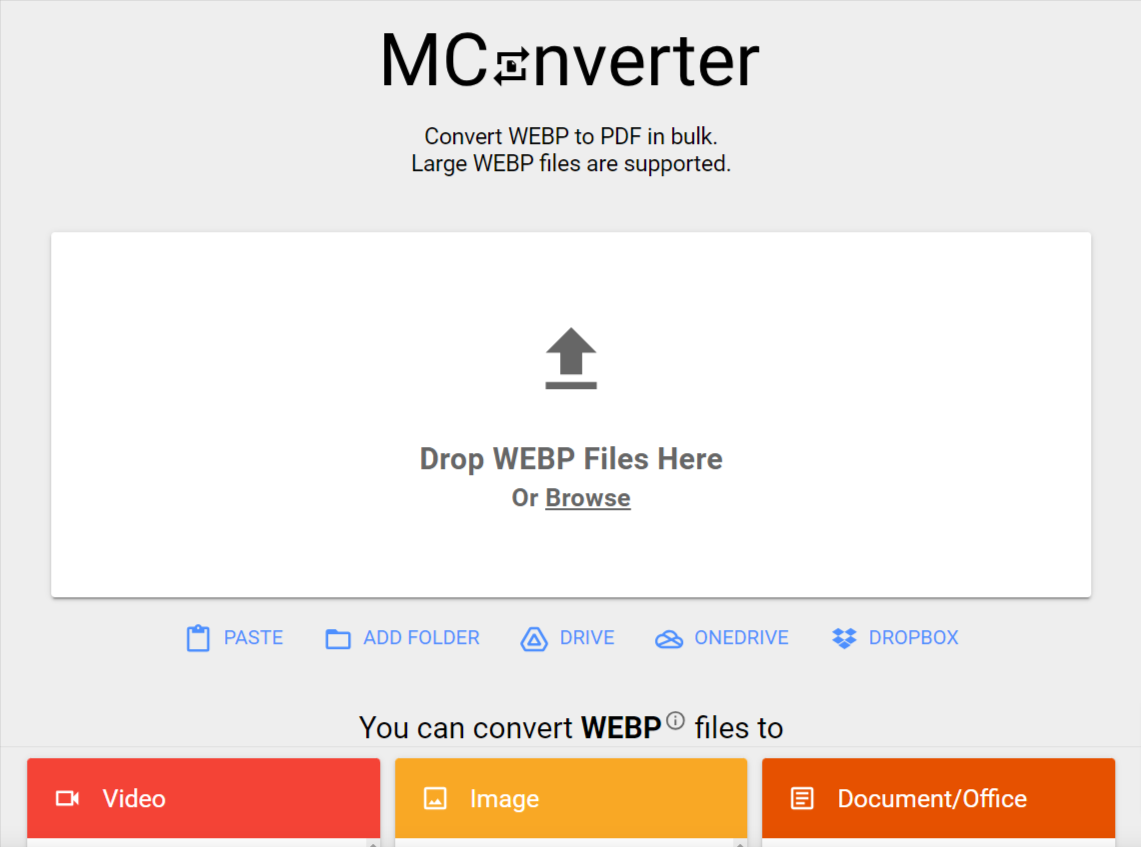
MConverter is an advanced online file conversion tool that caters to a wide array of formats, including image, audio, video, and documents. It is a platform with a simple, clean interface, offering file conversion services including the conversion of WebP images to PDF.
3.1個優點
- 支援多種文件格式: MConverter 不僅限於 WebP PDF 轉換,但也支援許多其他文件格式轉換。
- 簡單的界面: 轉換介面並不複雜,即使對於新手用戶來說也可以輕鬆完成轉換過程。
- 無需安裝: 作為一項基於線上的服務,它不需要下載或安裝任何軟體,可以從各種設備輕鬆存取。
3.2個缺點
- 大檔案速度慢: 當轉換較大檔案或同時轉換多個檔案時,MConverter 往往會變慢。
- 廣告支持: 該平台的免費版本帶有廣告,可能會對用戶造成乾擾。
- 需要網路連線: 作為一個基於網路的工具,它依賴強大而穩定的網路連線才能有效運作。
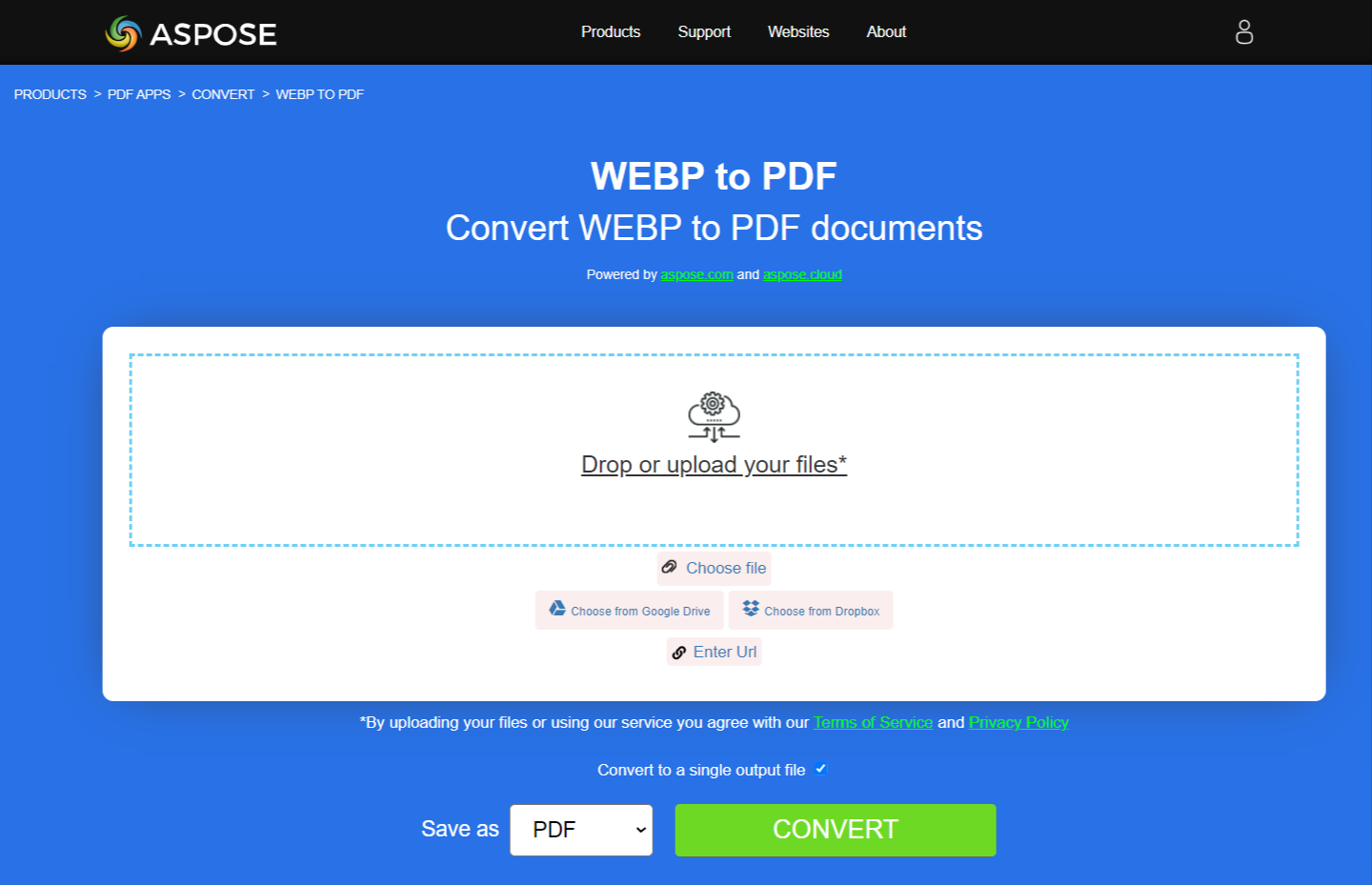
4. Aspose WEBP to PDF
將 WEBP 設定為 PDF is an online converter that specializes in converting WebP format files into PDF. It is a part of the robust Aspose suite of file management tools, aiming to provide a comprehensive solution to handle and manipulate various file formats.
4.1個優點
- 質量轉換: Aspose tool emphasizes the quality of the converted files, ensuring minimal loss of quality during the conversion from WebP to PDF.
- Aspose 套件的一部分: 作為 Aspose Suite 的一部分,它允許使用者利用其他 Aspose 工具進行檔案管理和操作。
- 無需下載: 該工具在線運行,無需下載或安裝軟體。
4.2個缺點
- 可能會很慢: 轉換過程有時可能比其他工具慢,特別是對於較大的文件或同時處理多個文件。
- 依賴網路連線: 作為一種線上工具,它依賴可靠的網路連線。
- 免費版本的限制: 該工具的免費版本在每天可以進行的轉換次數方面有限制。
5.雲端轉換WEBP為 PDF 下載器/轉檔器
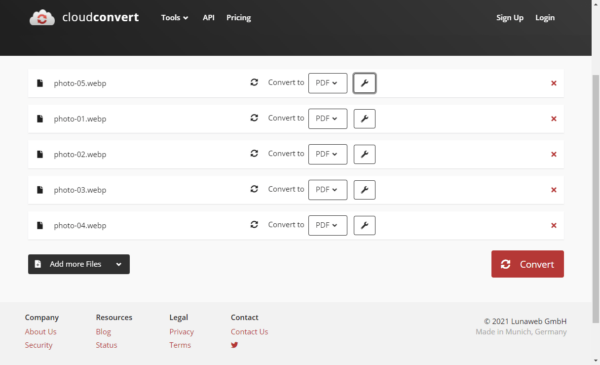
雲端將 WEBP 轉換為 PDF 在雲端運行的轉換器無需安裝軟體即可轉換檔案。它功能齊全,提供大量的格式轉換,包括將 WebP 映像檔轉換為 PDF 格式。
5.1個優點
- 格式多功能性: In addition to converting WebP to PDF, the platform can handle a vast array of other file format conversions.
- 雲存儲集成: 該工具支援與Google Drive、Dropbox等各種雲端儲存服務集成,使文件存取和管理更加方便。
- 高級選項: CloudConvert 提供進階設置,讓使用者在轉換過程中進行自訂選項。
5.2個缺點
- 依賴網路: 其作為基於雲端的應用程式的運作需要強大、穩定的網路連線。
- 有限的免費版本: CloudConvert 的免費版本有轉換次數上限和檔案大小限制。
- 隱私問題: 需要上傳文件進行轉換可能會造成機密資料的隱私問題。
6. 將 WEBP 轉換為 PDF 下載器/轉檔器
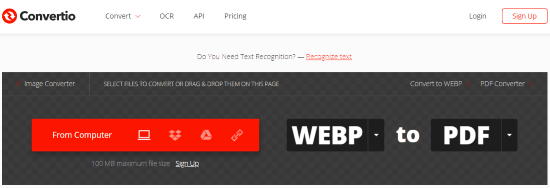
將 WEBP 轉換為 PDF Converter 是一款線上工具,旨在提供文件的平滑轉換,包括將 WebP 檔案轉換為 PDF。 Convertio 的高可用性和效率使其成為需要檔案格式轉換的使用者廣泛使用的工具。
6.1個優點
- 多種格式: Alongside WebP to PDF, the Convertio tool accommodates various other file conversions, providing users a diverse range of options.
- 友好的用戶界面: 它提供了簡單直覺的使用者介面,即使對於剛接觸此類工具的人來說也很容易使用。
- 雲集成: Convertio 支援 Google Drive 和 Dropbox 等雲端儲存服務,提供無縫文件轉換和保存。
6.2個缺點
- 需要網路連線: 作為一種基於線上的工具,它需要活躍、穩定的網路連線才能有效運作。
- 每日轉換次數有限: 該工具的免費版本限制每天的文件轉換數量。
- 潛在的隱私問題: 對於隱私敏感的文檔,可能會出現問題,因為文件必須上傳到外部伺服器進行轉換。
7.小型PDF
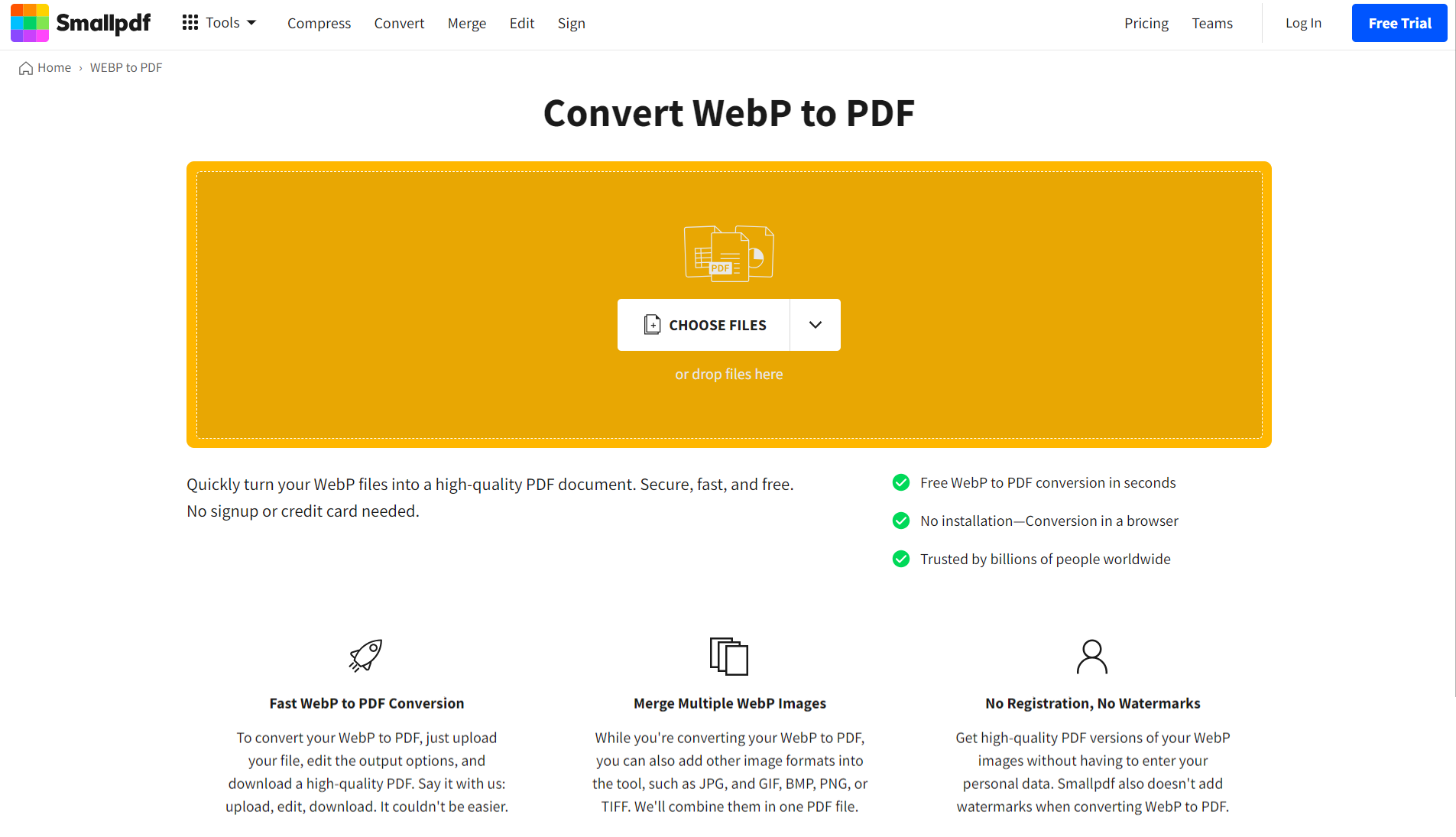
Smallpdf is a well-known name in the domain of PDF management and conversion tools. As a part of their substantial service offerings, they also provide a tool for converting WebP images to PDF. With an emphasis on efficiency and usability, Smallpdf is designed to make the conversion process as straightforward as possible.
7.1個優點
- 全面 PDF 工具: Beyond just converting WebP to PDF, Smallpdf offers a host of other PDF 壓縮、合併和編輯等相關工具,使其成為一站式解決方案。
- 用戶友好的界面: 其介面設計簡潔,導航也不複雜,非常適合初學者。
- 數據安全: Smallpdf puts an emphasis on data security, promising that uploaded files will be deleted from their servers after an hour.
7.2個缺點
- 免費版本的限制: The free version of Smallpdf comes with certain usage limitations, including a limit on the number of tasks that can be performed in an hour.
- 需要互聯網連接: As an online tool, Smallpdf requires a reliable internet connection to operate smoothly.
- 轉換品質: 一些用戶報告在轉換高解析度圖像時品質較低。
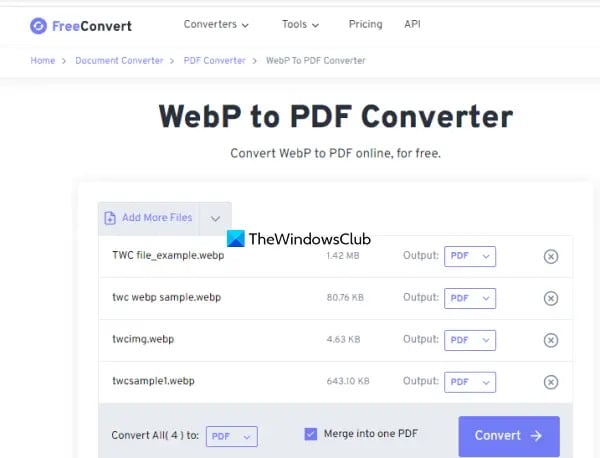
8. 免費將 WebP 轉換為 PDF 下載器/轉檔器
免費將 WebP 轉換為 PDF 是一款線上轉換器,旨在將 WebP 影像檔案無縫轉換為 PDF format. While it provides specialized conversion services from WebP to PDF, it also supports an array of conversion options for other formats, making the platform versatile.
8.1個優點
- 高品質轉換: 該工具優先考慮轉換的質量,確保結果 PDF 文件保留原始 WebP 影像的品質。
- 檔案大小限制: 與許多其他免費線上轉換工具相比,FreeConvert 允許更大的檔案大小,使其適合高解析度圖片和更大的專案。
- 友好的用戶界面: 工具的介面簡單直觀,簡化了使用者的轉換過程。
8.2個缺點
- 依賴網路: 作為一個基於網路的平台,其性能在穩定的互聯網連接上是可靠的。
- 廣告支持: 該平台有展示廣告,這可能會幹擾用戶使用該工具的免費版本時的體驗。
- 轉換速度: 較大的文件可能需要較長的時間來轉換,這可能不適合時間敏感的要求。
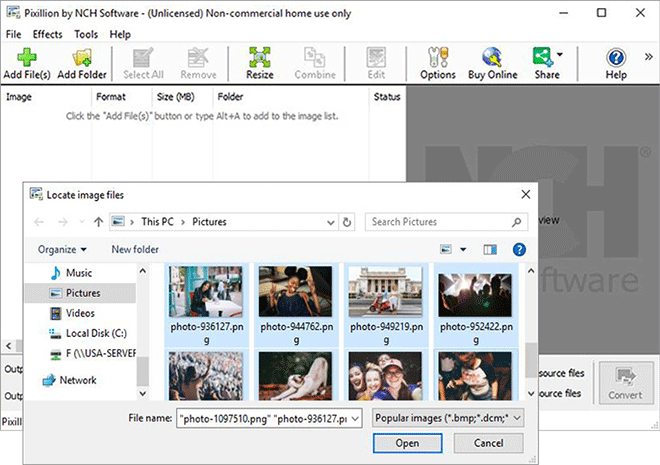
9. Pixillion 圖像轉換器軟件
Pixillion Image Converter Software by NCH Software is a full-featured software solution specializing in conversions between various image file formats, including from the WebP format to PDF. Unlike most of the other options in this comparison, Pixillion is a download-based software that works on personal computers.
9.1個優點
- 廣泛支援的格式: Apart from converting WebP to PDF, it supports many additional image formats for conversion, providing users a versatile tool.
- 離線功能: 作為安裝在設備上的軟體,它可以離線運行,這比依賴網路連線的工具具有顯著的優勢。
- 高級訂製: 與線上替代方案相比,Pixillion 提供了更高級的設定和自訂選項,例如調整輸出品質、新增浮水印和調整影像大小。
9.2個缺點
- 軟件安裝: 與基於網路的工具不同,它需要下載並安裝到設備上,這有時意味著對相容性、更新和系統資源使用的擔憂。
- 有限免費版本: 雖然該軟體確實有免費版本,但一些高級功能僅在付費版本中可用,這使得完整功能有些昂貴。
- 不那麼用戶友善: 憑藉其無數的選項,初學者可能會發現與更簡單的基於網路的替代方案相比,它稍微複雜一些。
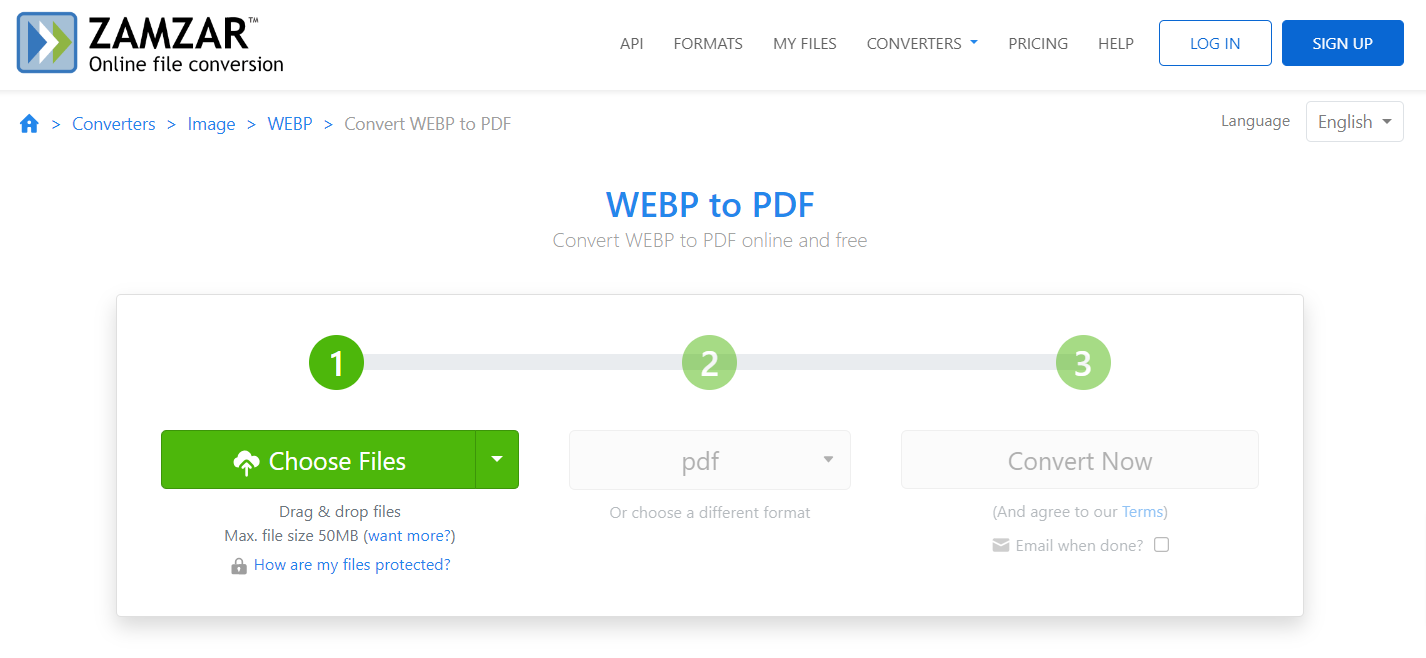
10. Zamzar WEBP to PDF
扎姆扎爾 WEBP 至 PDF is an online converter tool designed to facilitate easy conversions from WebP format to PDF. One of the oldest providers of online file conversion services, Zamzar supports a comprehensive list of file format conversions, making it a versatile tool.
10.1個優點
- 廣泛的文件格式支持: Zamzar supports an extensive array of file format conversions beyond WebP to PDF, making it a go-to tool for many different conversion needs.
- 透過電子郵件進行轉換設定: Zamzar 的獨特之處在於,用戶可以選擇透過電子郵件接收已轉換文件的下載鏈接,這在轉換多個大文件時非常有用。
- 簡單明了: 該介面非常人性化,使轉換變得簡單且有效率。
10.2個缺點
- 依賴網路: 作為一項基於網路的服務,其功能取決於穩定、強大的網路連線。
- 免費版本的限制: Zamzar 的免費版本對可轉換的檔案大小有限制,與付費版本相比,轉換速度也較慢。
- 需要電子郵件: 要使用該服務,必須提供電子郵件地址,一些用戶可能認為這侵犯了隱私。
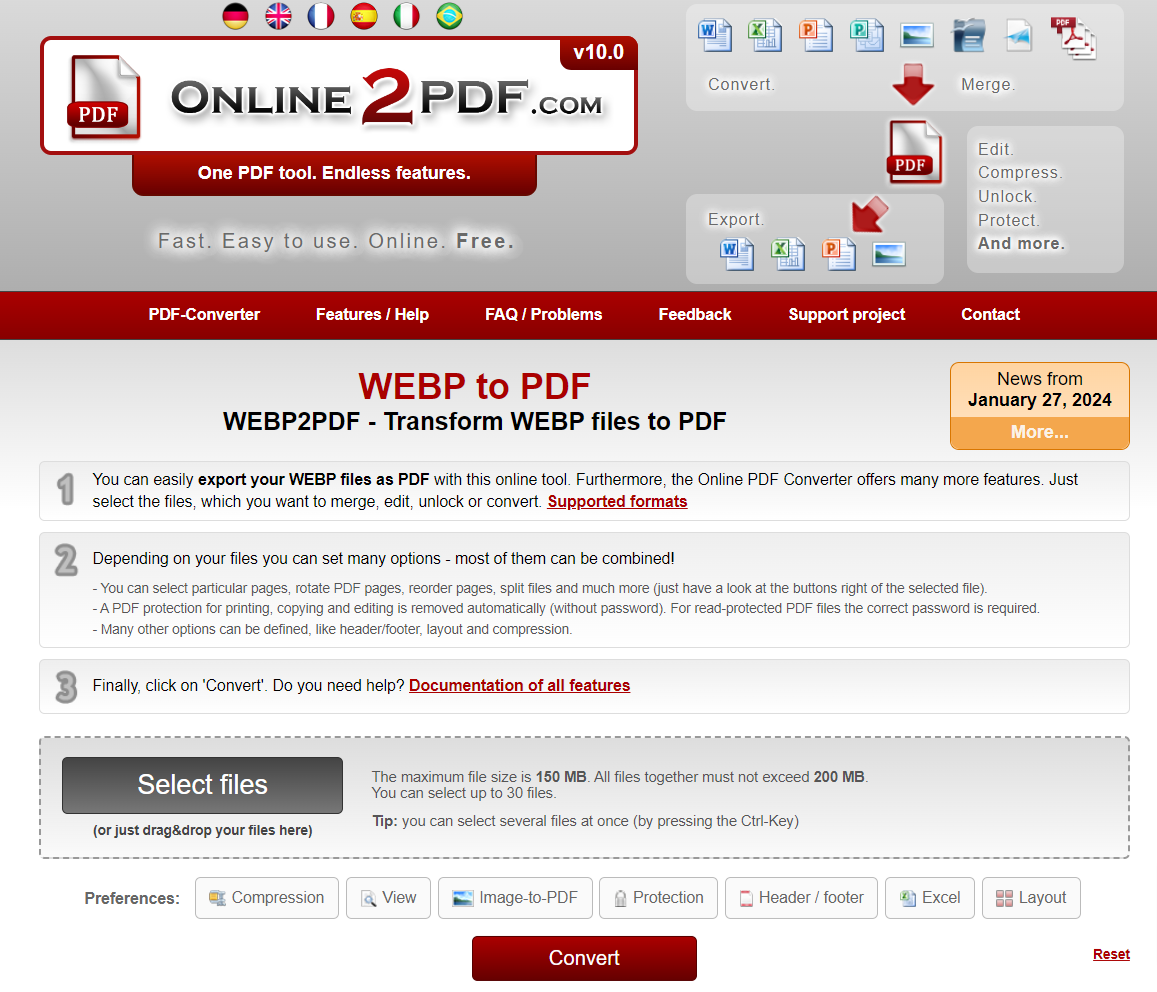
11. Online2PDF WEBP to PDF
Online2PDF WEBP to PDF 是一款線上轉換工具,致力於將WebP影像轉換為方便的格式 PDF 格式。它不僅簡化了轉換過程,還提供了用於編輯和自訂輸出的附加功能 PDF 文件。
11.1個優點
- 多檔案轉換: Online2PDF allows for batching, which means users can convert multiple files simultaneously, enhancing conversion efficiency.
- 內建編輯工具: The platform includes editing tools giving the user control over the PDF’s details like layout, page size, and margin sizes.
- 無需帳戶: 該平台允許使用和存取其轉換工具,而無需註冊或建立帳戶。
11.2個缺點
- 廣告支持: 該網站包含可能會破壞用戶體驗的廣告。
- 文件大小限制: 在免費版本中,一次可以轉換的檔案大小有限制。
- 需要可靠的網路連線: As a web-based tool, Online2PDF’s operation depends on a good and stable internet connection.
12. AnyConv WEBP 至 PDF 下載器/轉檔器
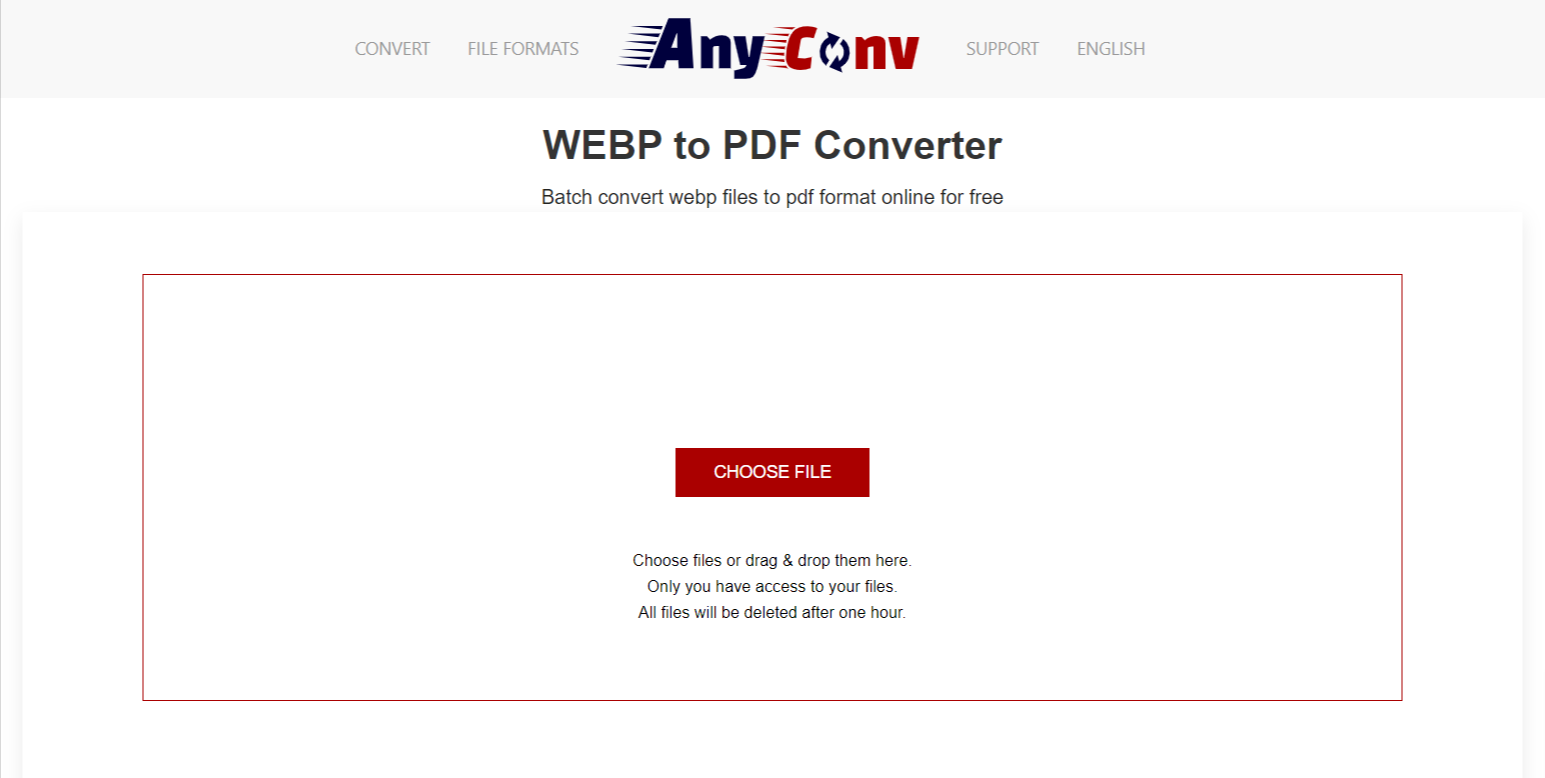
AnyConv WEBP 至 PDF Converter 是一款簡化的線上工具,用於將 WebP 圖像轉換為使用者友好的格式 PDF files. It offers a simple three-step conversion process and supports a wide range of file format conversions besides WebP to PDF.
12.1個優點
- 使用方便: AnyConv 的介面使用者友好,轉換流程簡單明了,即使對於沒有技術專業知識的使用者來說也很容易。
- 快速轉換: 該工具以其速度、快速轉換檔案並允許用戶下載輸出而聞名 PDF 幾乎是瞬間。
- 廣泛的文件格式支援: AnyConv 提供的不僅僅是 WebP PDF 轉換,支援 400 多種文件格式。
12.2個缺點
- 需要網路連線: 作為線上工具,AnyConv 需要強大且穩定的網路連線才能發揮最佳功能。
- 頁面上的廣告: 使用者可能會發現廣告的存在會幹擾使用者體驗。
- 檔案大小限制: 使用免費版本可以轉換的檔案大小有限制。
13。 總結
13.1 總體比較表
| 工具 | 產品特性 | 易於使用 | 價格 | 客戶服務 |
|---|---|---|---|---|
| 至 PDF WebP 至 PDF 下載器/轉檔器 | WebP 至 PDF 轉換,轉換速度快 | 高 | 免費 | 線上支援論壇 |
| 轉換器 | 多種文件格式轉換,介面簡單 | 高 | 免費提供高級版本 | 電子郵件支持 |
| Aspose WEBP to PDF | 品質轉換,工具套件 | 媒材 | 免費提供高級版本 | 線上支援論壇、常見問題解答 |
| 雲端將 WEBP 轉換為 PDF 下載器/轉檔器 | 多種文件格式轉換、進階選項、雲端存儲 | 媒材 | 免費增值模式 | 電子郵件支援、常見問題解答 |
| 將 WEBP 轉換為 PDF 下載器/轉檔器 | 多種文件格式轉換,雲端儲存支持 | 高 | 免費提供高級版本 | 電子郵件支援、常見問題解答 |
| Smallpdf | 全面 PDF 工具,使用者友善的介面 | 高 | 免費提供高級版本 | 電子郵件支援、常見問題解答 |
| 免費將 WebP 轉換為 PDF 下載器/轉檔器 | 品質轉換,大檔案大小限制 | 媒材 | 免費 | 電子郵件支持 |
| Pixillion 圖像轉換器軟件 | 多種文件格式支持,高級定制 | 媒材 | 免費提供高級版本 | 電子郵件、票證和電話支持 |
| Zamzar WEBP to PDF | 多種文件格式支持,透過電子郵件進行轉換設置 | 高 | 免費提供高級版本 | 電子郵件支援、常見問題解答 |
| Online2PDF WEBP to PDF | 多個文件轉換,內建編輯工具 | 高 | 免費 | 電子郵件支援、常見問題解答 |
| AnyConv WEBP 至 PDF 下載器/轉檔器 | 易於使用、快速轉換、廣泛的文件格式支持 | 高 | 免費 | 線上支援論壇 |
13.2 根據不同需求推薦工具
The recommended tool can vary, depending on the specific needs of the user. If ease of use and interface simplicity are priorities, Convertio and Smallpdf are excellent choices. For users needing multiple file format conversions, MConverter and CloudConvert stand out with their vast range of supported formats. Pixillion may be ideal for users looking for advanced customization options and offline functionality. Lastly, for users concerned about data security, Smallpdf offers good protection with its data deletion policy.
14. 結論
14.1 選擇將 WebP 轉換為的最終想法和要點 PDF 工具
總之,值得注意的是,選擇 WebP 的決定是為了 PDF conversion tool should be guided by the user’s specific needs. This includes considering factors like the need for advanced editing features, file size limits, quality of conversion, ease of use, cost, and of course, data security.
此外,決策還應考慮使用者是否喜歡基於線上的工具或可以離線工作的軟體。雖然線上工具提供了從任何具有網路連線的裝置存取的便利性,但它們通常存在檔案大小限制和隱私問題。另一方面,軟體下載可能提供更高級的功能,並且不需要互聯網連接即可運行,但用戶可能需要管理更新和相容性問題。
In essence, feeling overwhelmed by choice is completely normal, but this comprehensive comparison is designed to assist potential users in making a well-informed decision and select a tool that will most efficiently meet their unique requirements.
作者簡介:
陳薇薇(Vera Chen)是 DataNumen,提供廣泛的產品,包括強大的 Zip Fix 工具.